
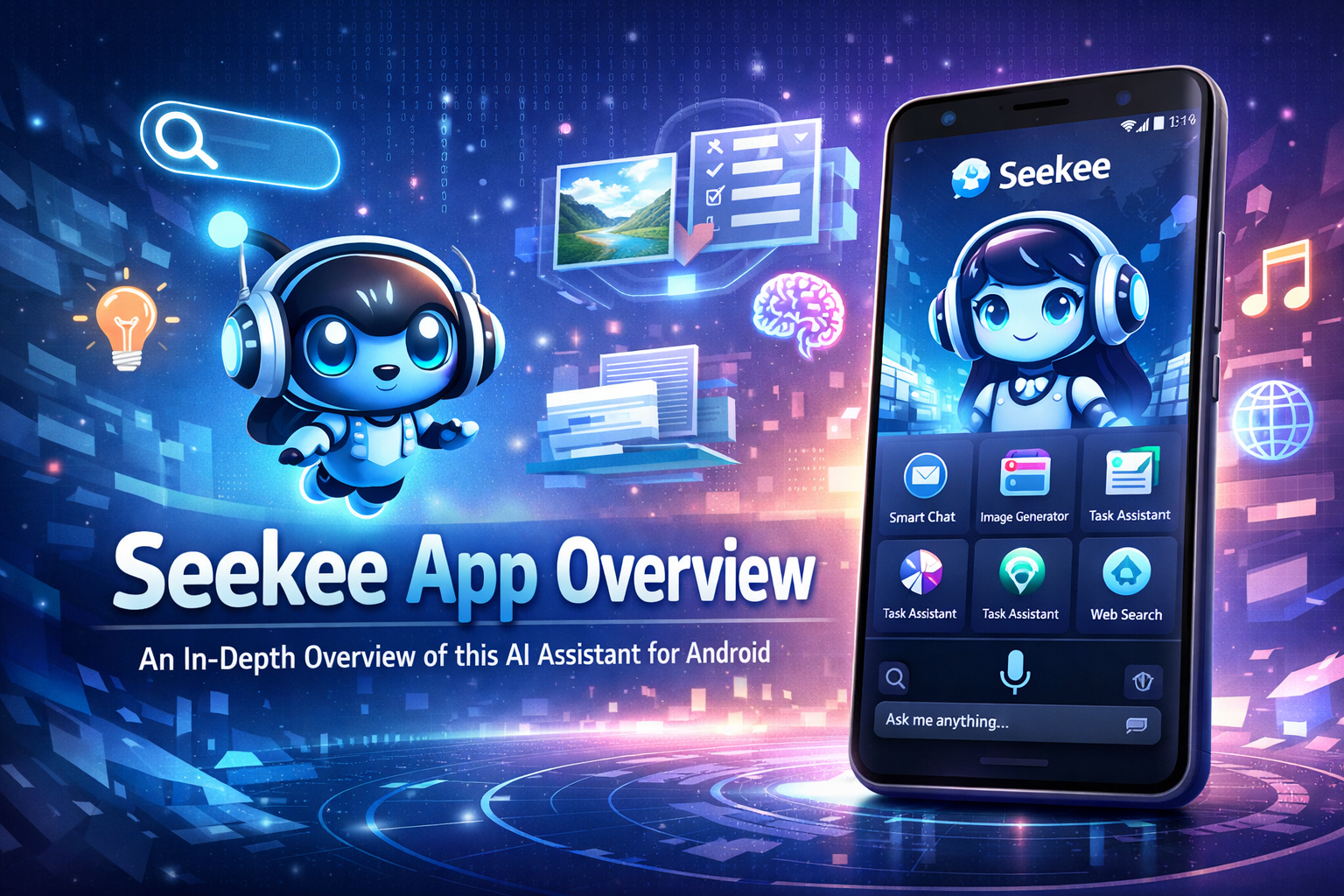
The rapid growth of AI-powered apps has led to a crowded landscape of tools for writing, searching, editing documents, translating languages, and enhancing images. Seekee positions itself as a solution to this fragmentation by combining many of these capabilities into a single app. Marketed as an AI search assistant and intelligent browser, Seekee aims to replace multiple standalone utilities with one unified experience.
Rather than focusing on a single task, Seekee is designed as a multi-purpose AI hub, where users can search the web, generate content, edit files, analyze information, and perform everyday productivity tasks from one interface.
What Is Seekee?
Seekee is an AI-powered application that blends search, chat-based AI assistance, productivity tools, and browser-like functionality into one platform. It is primarily available on iOS via the Apple App Store, with Android versions distributed through various channels.
At its core, Seekee revolves around a central AI input bar, sometimes referred to as a “Mega Search” or unified prompt bar. This single entry point allows users to type a question, request content, upload files, analyze documents, translate text, or perform creative tasks without switching between separate tools or apps.
The app is developed and published on iOS by SeekeeHorizon Technology (HK) Co., Limited, while some related services and legal documents reference Huli (Shanghai) Information Technology Co., Ltd., suggesting involvement from multiple regional entities.
Currently, Seekee app has more than 50 million downloads from Google Play and the apk was downloaded more than one and a half million times from seekeeapk.com
Core Functionality and Features
AI Search and Assistant
Seekee combines traditional search behavior with AI-generated responses. Instead of only returning links, the app can summarize information, explain topics, and provide direct answers in a conversational format. Users can ask questions, explore topics, or request explanations much like they would with a standalone AI chatbot.
This AI assistant is not limited to general knowledge. It can also:
- Summarize long articles or webpages
- Extract key points from complex content
- Provide explanations suitable for learning or research
AI Writing and Content Creation
One of Seekee’s main strengths is its AI writing toolkit. The app supports a wide range of writing tasks, including:
- Emails and messages
- Essays and reports
- Short articles and summaries
- Rewriting, expanding, or simplifying text
Users can start with a rough idea or raw text and ask the AI to refine it, making Seekee useful for students, professionals, and casual users alike.
Image Editing and Visual Tools
Seekee also integrates AI-powered image tools, allowing users to perform basic and advanced image tasks directly within the app. These include:
- Background removal
- Image enhancement and expansion
- Watermark removal
- Photo restoration
- ID and profile photo generation
These tools are designed for convenience rather than professional-grade editing, but they cover many common use cases without requiring separate image apps.
Document and PDF Management
Another major component of Seekee is its document and PDF toolkit. The app supports:
- Editing and annotating PDFs
- Merging and splitting PDF files
- Converting PDFs to formats like Word or text
- Extracting text from documents or images
This makes Seekee useful for users who frequently work with documents, especially on mobile devices where full desktop software is not available.
Learning, Study, and Problem Solving
Seekee includes features aimed at education and learning support. Users can:
- Get step-by-step explanations for questions
- Ask for help with homework or study topics
- Generate summaries or simplified explanations
- Extract main ideas from long or complex material
While it is not marketed as a dedicated education platform, these tools make it suitable for casual academic assistance.
Camera Recognition and Translation
The app supports camera-based recognition, allowing users to identify objects, plants, products, or places using their device’s camera. In addition, Seekee offers multilingual translation, covering:
- Text translation
- Image-based translation
- Document translation
- Voice or speech-to-text conversion
- This positions Seekee as a general-purpose assistant for travel, learning, and everyday communication.
Overall Impression
Seekee is best described as a broad, all-in-one AI utility app rather than a specialist tool. Its biggest strength lies in convenience—bringing AI search, writing, image editing, document tools, translation, and learning assistance into a single interface.
At the same time, its wide scope means that individual features may not always match the depth or polish of dedicated apps. Combined with mixed external trust signals and inconsistent Android distribution, Seekee is an app that benefits most users who:
- Want a single AI-powered toolbox
- Prefer mobile-first productivity
- Value versatility over specialization
Used carefully and downloaded from seekeeapk.com (APK available without regional limits), Seekee offers a clear snapshot of how modern AI apps are evolving toward centralized, multi-function assistants.


